See it work
There is a whole contracting business inside the app.
Download BuiltWright, tap Explore Demo on the login screen, and you are running Summit Home Services out of Denver. Six customers, five jobs at five different stages, fifteen numbered documents already on the books. No account, no email, no card. Somebody else's work, so you can see what yours would look like in it.
A sample company, not sample data.
Most demos give you three customers named Test One, Test Two and Test Three. This one gives you a contractor's actual books. The customers have notes a real person would write: prefer text, dog in the backyard, both work from home so mornings only. The catalog carries electrical and plumbing alongside the paint and trim, so a sparky opening it sees their own work priced rather than mine.
6
customers
5
jobs, at five stages
15
issued documents
5
crew, across four roles
24
priced tasks
29
materials
13
logged purchases
10
store locations
Five jobs, five different moments in a month.
The jobs were not picked to look busy. Each one sits at a different point in the same arc, so whatever screen you open has something real on it. Open the outbox and there is a paper trail. Open a job and it is mid-something.
| Job | Where it sits | What that shows you |
|---|---|---|
| Kitchen & Bath Refresh | Bid in progress | The only unlocked job in there. Tasks and materials are still editable, so this is the one you can build an estimate on. |
| Exterior Repaint | Bid sent | A live bid with no answer yet. The state a quote sits in while the customer thinks about it. |
| Whole-House Repaint | Approved, in flight | Being worked but not finished. Carries a change order, a deposit that has been half paid, two receipts, and a line the customer struck out. |
| Basement Finish | Work complete | Everything done, invoice out, money not in. The difference between finishing a job and getting paid for it. |
| Master Suite Renovation | Closed | The whole arc. An estimate that got revised, the revision approved, invoiced, paid, receipted and closed out. |
- The Master Suite job has a revision lineage you can open. Estimate 1002 went out, then got replaced. The revision is the one that was approved and invoiced, and the original is stamped REPLACED and points at its successor. Both are still readable. That is the whole freeze-when-sent argument, sitting there as two documents instead of a paragraph on a website.
- The Whole-House job has a line the customer refused. Bedroom 2 walls, $880, struck out on the approved copy rather than deleted. So the mark in the legend has something explaining itself the moment you open the document.
- The document numbers are real. EST-1001 through 1004, INV-1001 and 1002, RCT-1001 through 1004, all minted by the same generator the app uses on live work. Issue another one in the demo and it takes the next number in the sequence.
Quick Start
Three minutes, catalog to paid.
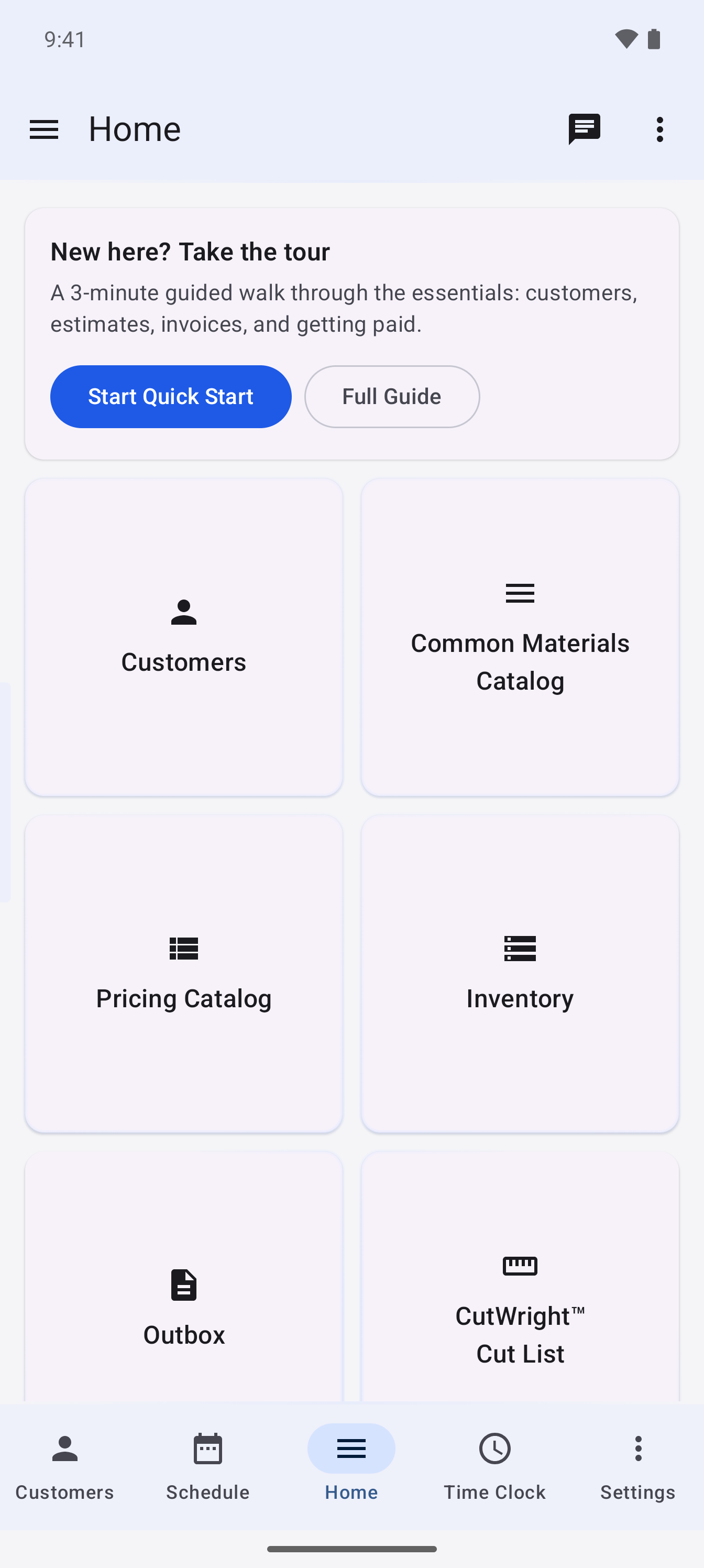
Eleven stops, all narration, nothing to type and nothing to decide. It follows one customer's job from the pricing catalog through the estimate, the approved work, the invoice, and the money landing. You do not have to know anything before you start it, and it ends on a job that was quoted, worked, invoiced, paid and closed.
It only ever shows finished work. It never creates anything and it never touches a real record.
The Full Guide
It fills in the form while it tells you why.
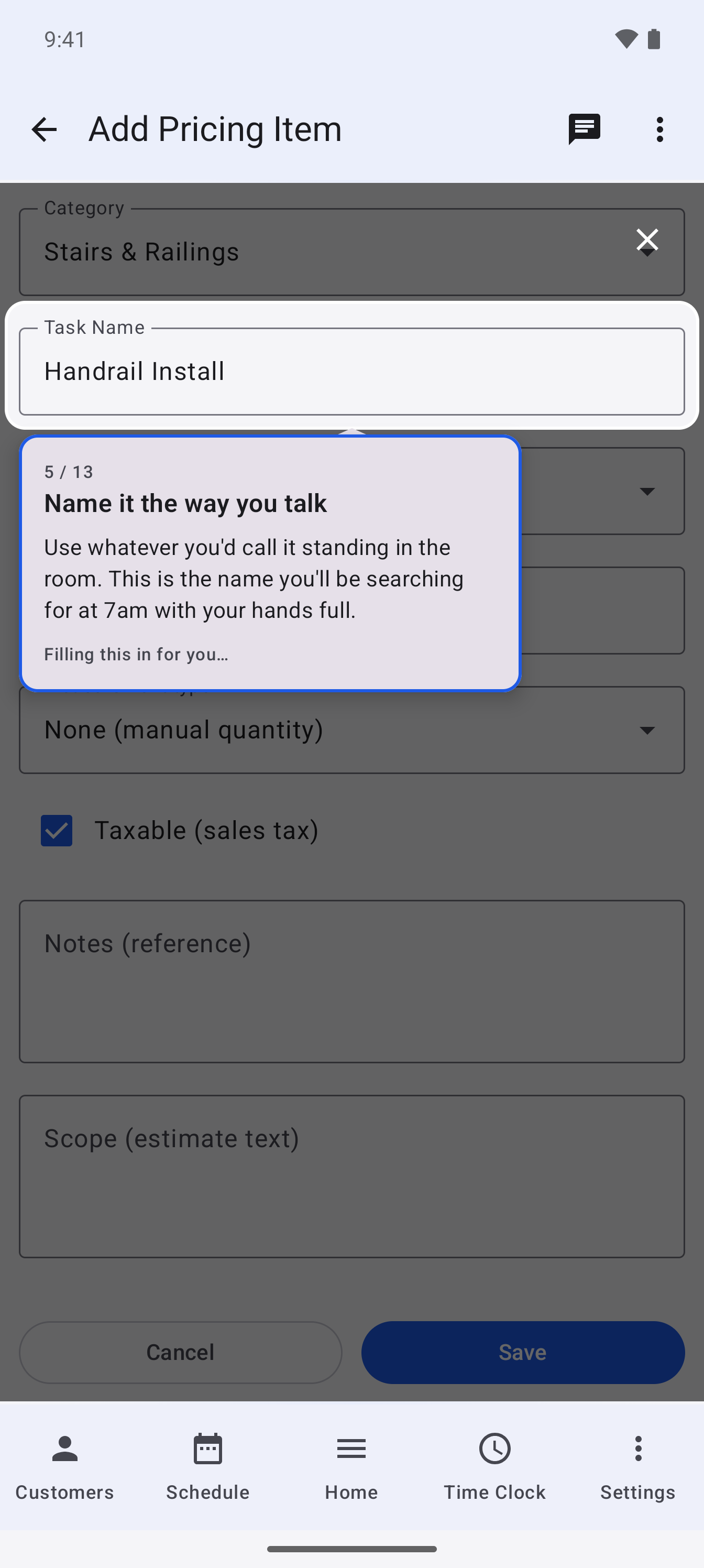
Where Quick Start shows, the Full Guide teaches. And the part that makes it different from every product tour you have sat through: it is not a tour of screenshots. It is the app. When a section adds a pricing item, it types into the real form on the real screen, and the real Save button writes a real row.
Which is why every section starts by putting the sample company back the way it ships. Take a section twice and you do not end up with two of everything.
Show
A spotlight cuts a hole in the dimmed screen and a card explains what is underneath it. Tap to move on.
Auto-drive
The app types into the real form while you watch, a character at a time, saying what each field is for. It opens the dropdown, leaves it open long enough to read, and picks a value where you can see it happen. Tap to fast-forward.
Do
You make one real tap, on a target lit up right in front of you. It never asks you to invent a name or a price. If words are needed, the app supplies them and explains them.
Seven sections are live, and it grows section by section.
Thirty-nine minutes across the seven, four to ten minutes each. They are independent, so you can take the one you need and leave. Progress is remembered per person, and a section only ticks off when you run it to the end.
- Your Pricing Catalog 4 min
- Your Materials Catalog 5 min
- Customers 5 min
- A Customer's History 4 min
- Jobs 5 min
- Building an Estimate 10 min
- Approving Work and Tracking It 6 min
That is the path a new user actually walks, in the order they walk it. The rest are being written, and the goal is to cover every feature in the app.
Help, once you own it
Read about it, watch it work, then go do it.
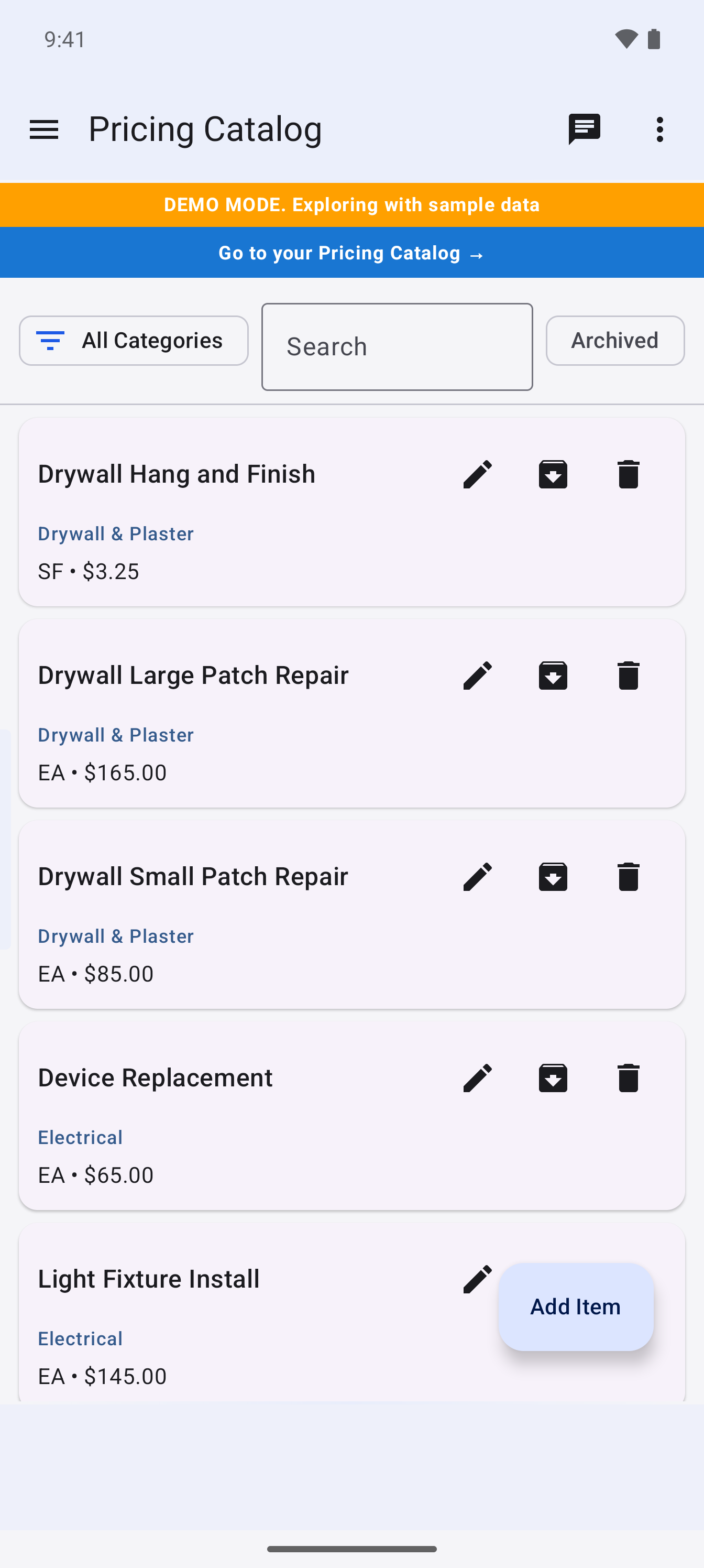
The help hub has sixteen topics and every one has a View Demo button. Tap it on Pricing Catalog and your own records step aside, the sample company takes their place, and you land on a real catalog with two dozen priced tasks in it. An amber bar across the top says you are looking at sample data, so there is never any doubt whose numbers you are reading.
Under it sits a blue bar reading "Go to your Pricing Catalog". One tap and you are back in your own, ready to add to it. Answer the question, see it working, then go use it, without hunting through a menu to find your way back.
You cannot break anything in there.
This is the objection worth answering up front, because a demo that touches your real books is not a demo.
- The sample company lives in its own database file. Entering the demo swaps the file underneath the app. Your own records are not read, not written, and not touched.
- Nothing syncs. The sync engine refuses to run in demo mode. No sample row ever reaches a server.
- Nothing leaves the device. Try to share a sample document and the app says plainly that this is sample data. Email sending goes nowhere.
- Every sample PDF is watermarked. A demo estimate can never be mistaken for a real one.
- One button puts it all back. Reset the sample data whenever you want, and the dialog says in plain words that your own jobs and customers are not affected.
Ten minutes and a download.
That is what it costs to find out whether this fits how you work. There is no account to make and nothing to cancel afterward.